How to access contestant environment
How to send print requests
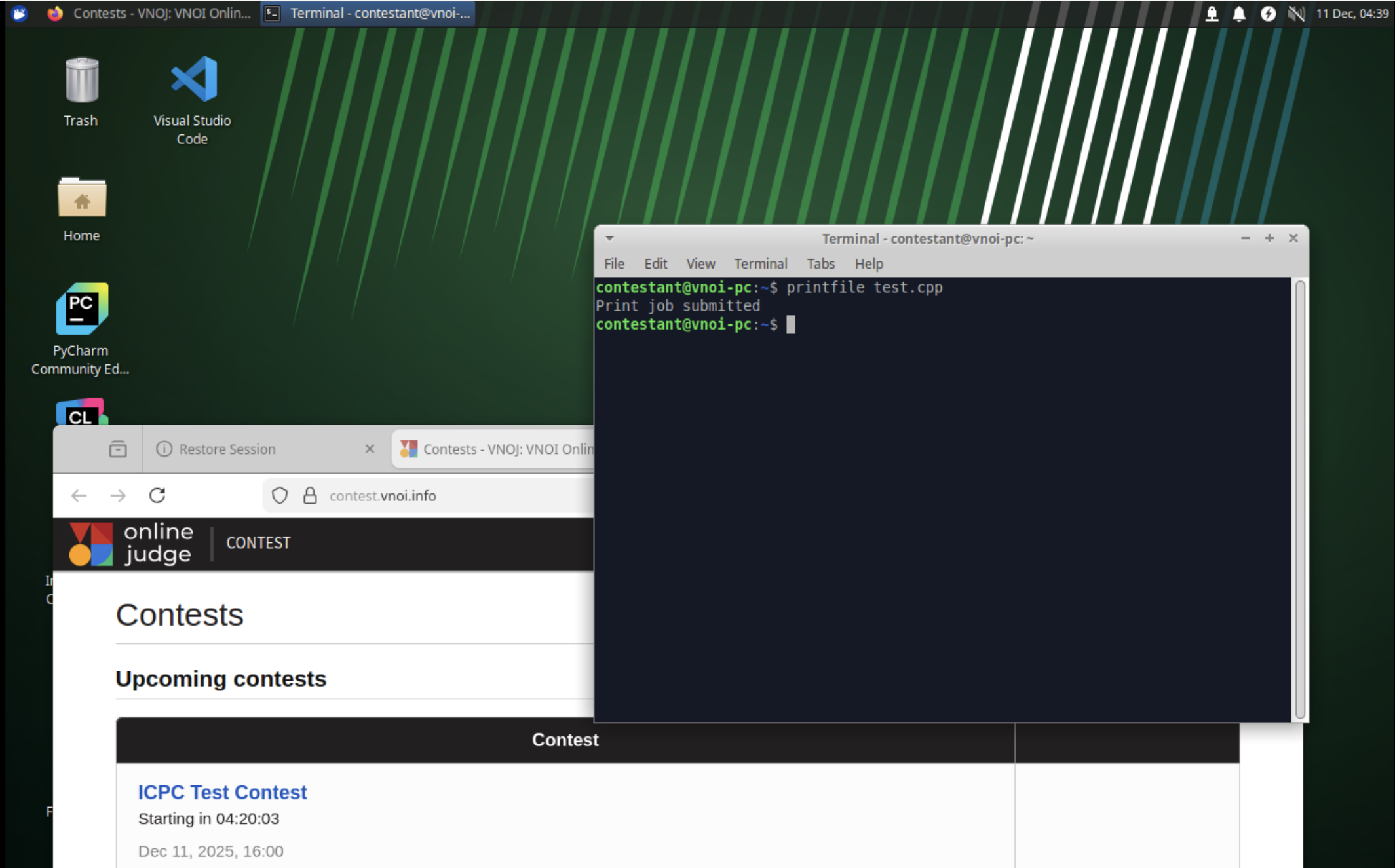
- Open the terminal. You can use the start menu to open it or
Ctrl + Alt + Tto do so. - Inside the terminal, type
printfile <filename>to send print jobs. The file should be a non-empty UTF8-compatible text-based file.
3. How to look for apps
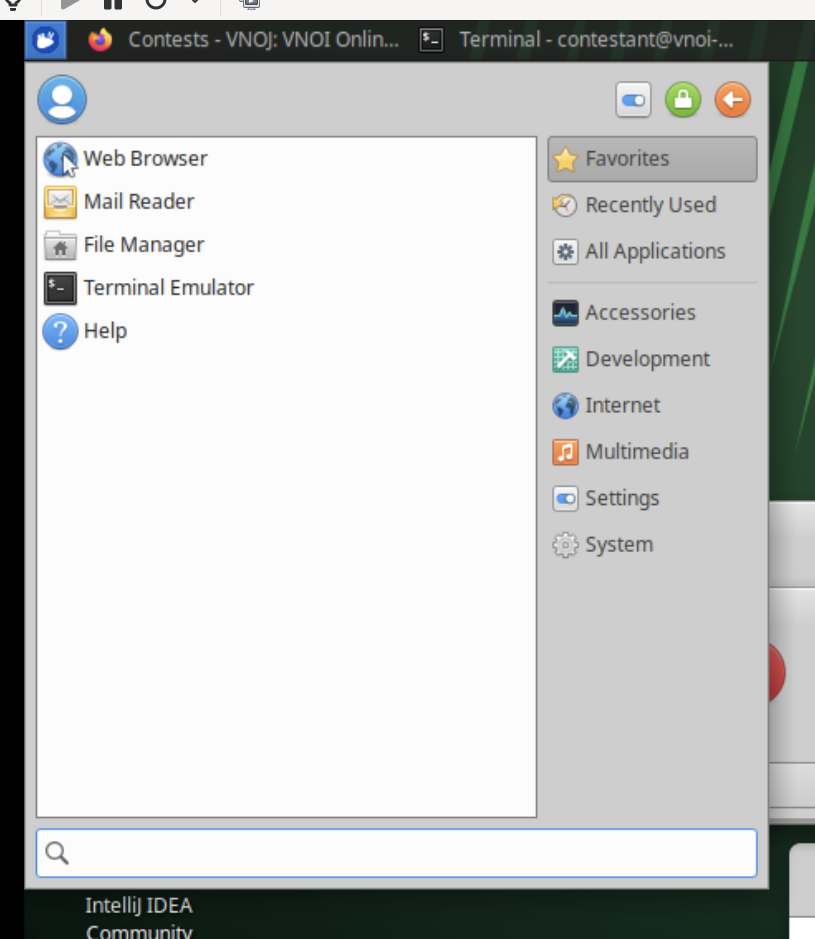
- You can either use the start menu on the top left corner as follows, then click
All Applications:
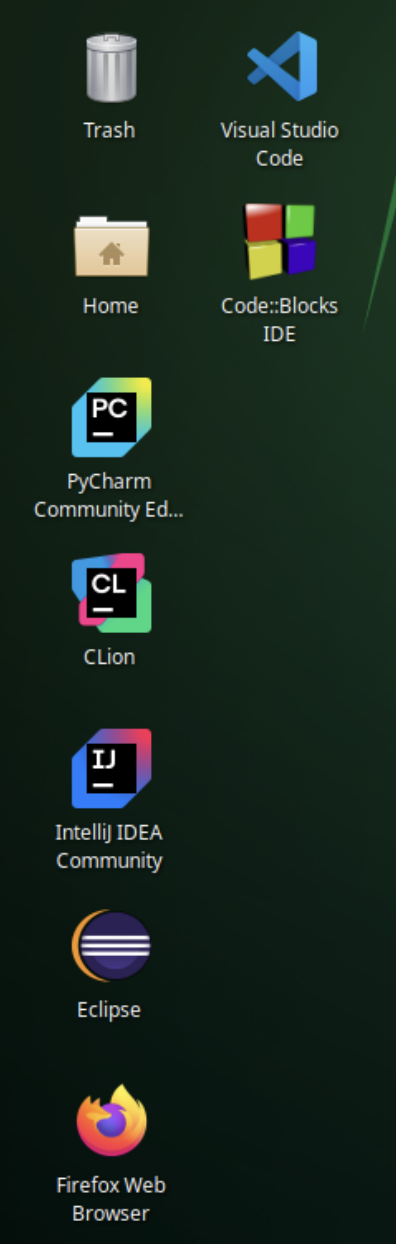
- Or to quick open IDE, you can use the Desktop icons to quick open.
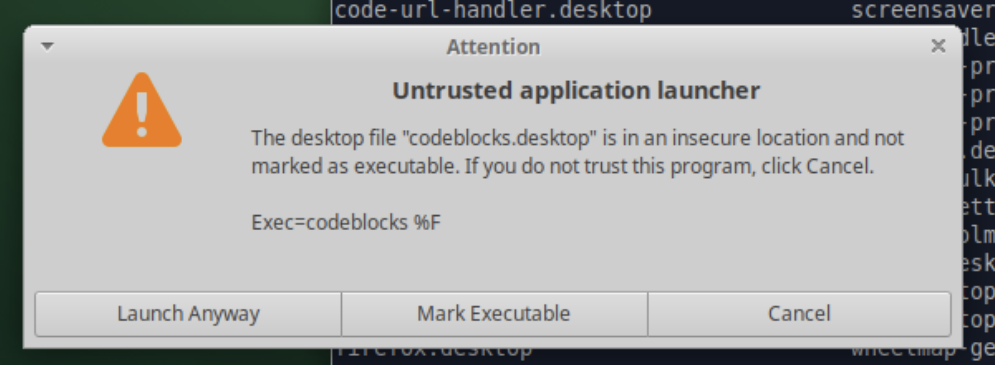
Note: for Code::Blocks IDE quick open icon, it may say untrusted application launcher. You may choose "Mark as executable" to ignore it and open the IDE.